Top-Rated POS Software for Restaurant & Food Business
Take the order, send it to the kitchen, and settle the bill without a single paper slip. PaakiShop is pos software for restaurant teams that need speed at the table and clean numbers at the end of the night. Whether you run a quick-service cafe, a dhaba, a bakery counter or a fine-dining floor, the right pos system cuts order mistakes and turns tables faster. And we also customize according to your need and requirements — your menu, your kitchen sections, your bill format.
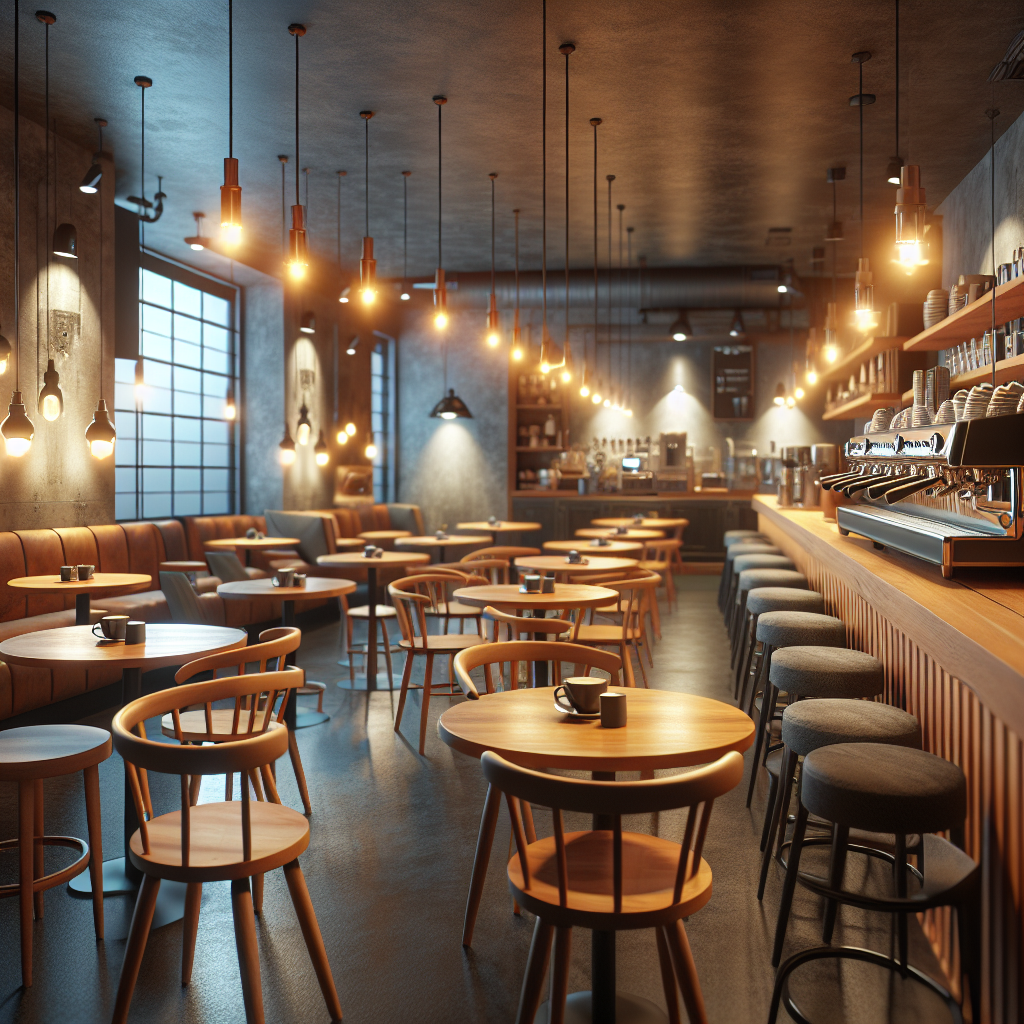
What Makes the Best POS Software for Restaurant Operations?
Three things separate the best pos software for restaurant use from a plain cash register: how fast the bill goes out, how cleanly the order reaches the kitchen, and whether you can see where your ingredients went at the end of the day.
Quick Billing
Advanced pos billing software prints the receipt in seconds, splits a check between four friends, and takes payment right at the table. Cash, card, JazzCash, EasyPaisa or a bank QR — all on the same bill if you need it.
- Split, merge and transfer tables
- Discounts, service charge and tax handled
- Bill in English or Urdu
Order Tracking
Connect a Kitchen Display System (KDS) straight to your point of sale software. The order appears on the kitchen screen the moment the waiter saves it, colour-coded by how long it has been waiting. No shouting, no lost slips.
- Separate screens for grill, chulha and bar
- Kitchen printer as a backup
- Dine-in, takeaway and delivery in one queue
Inventory Control
Watch real stock of chicken, oil, flour and drinks against daily pos reports. Set a recipe once and every plate sold pulls the right quantity out of the store, so you can see waste and theft instead of guessing at month end.
- Recipe and ingredient-level tracking
- Low-stock alerts before the rush
- Item-wise profit, not just item-wise sales
The kitchen sees the order before the waiter reaches the counter
Every ticket lands on the kitchen screen with a running timer. Green means fresh, amber means it has been waiting, red means someone needs to look at it now. Your kitchen staff tap once when a dish is ready and the waiter is notified on their tablet.
Kitchen sections, timer limits and ticket layout are not fixed — we customize according to your need and requirements so the screen matches how your kitchen is actually laid out.
Flexible Android POS Software for Restaurant Staff
Modern food businesses need mobility. Using android pos software for restaurant servers lets your waiters take the order right at the table, on the lawn, or on the rooftop seating — wherever the customer is sitting. A mobile pos software setup sends the order to the kitchen the second it is saved, so nothing is re-typed at the counter and nothing gets mis-read.
- Any Android tablet or phone. No special locked-down hardware to buy. Use the device you already have.
- Keeps working offline. Load shedding or a dead Wi-Fi router does not stop billing. Orders sync as soon as you are back.
- Bluetooth thermal printing. Print the bill from the tablet on a 2-inch or 3-inch printer at the table.
- Owner view on your phone. Watch live sales, table status and cash in hand from home.
Understanding POS Software for Restaurant Price & Plans
Evaluating pos software for restaurant price options depends on your venue size, hardware needs, and number of terminals. Here is exactly what you would pay with us — one plan, no tiers, billed in rupees.
Free POS Software Trial
Free pos software and trial plans are ideal for a single-location cafe testing basic billing. Every feature is open during the trial — run real orders for three days before you decide.
- No credit card needed
- Full menu and table billing
- Setup help on WhatsApp
Standard Cloud Plan
Standard cloud plans are best for growing restaurants needing full menu management, reporting, and kitchen integrations. Everything is included — there is no higher tier to upgrade into later.
- Unlimited items, tables and orders
- KDS, kitchen printing and delivery
- Android and iOS apps included
- Unlimited WhatsApp notifications
12-Month Term
Rs. 72,000 · works out at Rs. 5,000 / month.
For multi-outlet chains and busy venues that are past the testing stage. Same complete platform, price locked for the full year.
- Everything in the monthly plan
- Two months free vs monthly billing
- Multi-branch reporting
Hardware is a separate, one-time cost: barcode scanner Rs. 4,000–12,000, thermal printer Rs. 8,000–25,000, cash drawer Rs. 6,000–15,000. You can start with the laptop or Android tablet you already own. See the full POS software price guide →
We Customize According to Your Need and Requirements
No two kitchens run the same way, so we do not hand you a fixed box. Tell us how your restaurant works and we build the pos software for restaurant setup around it — menu groups and modifiers, token and table numbering, kitchen sections, rider and delivery flow, bill design in English or Urdu, tax settings, staff rights and the exact reports you want to see every morning.
One POS System, Every Service Style
The same pos software for restaurant handles dine-in, counter service and delivery. Pick the mode, the screen changes to suit it.
Cafes & Coffee Shops
Counter billing in seconds, modifiers for milk and sugar, and a loyalty list of your regulars.
Fine Dining
Table plan, course-wise firing to the kitchen, split bills and service charge on the same ticket.
Fast Food & Takeaway
Token numbers, a customer display, and a queue screen that keeps the counter moving in rush hours.
Delivery & Cloud Kitchens
Rider assignment, delivery charges, COD reconciliation and order-source reporting.
Bakeries & Sweets
Weight-based selling, box and piece rates, and pre-orders for weddings and Eid.
Multi-Branch Chains
One menu pushed to every branch, branch-wise sales, and one combined profit and loss report.
Frequently Asked Questions
Run Tonight's Service on PaakiShop
Set up your menu in an afternoon and take real orders the same evening. No credit card, no lock-in, and we customize according to your need and requirements before you go live.
Explore More PaakiShop Solutions
Serving Restaurants Across Pakistan
Inside PaakiShop for restaurants
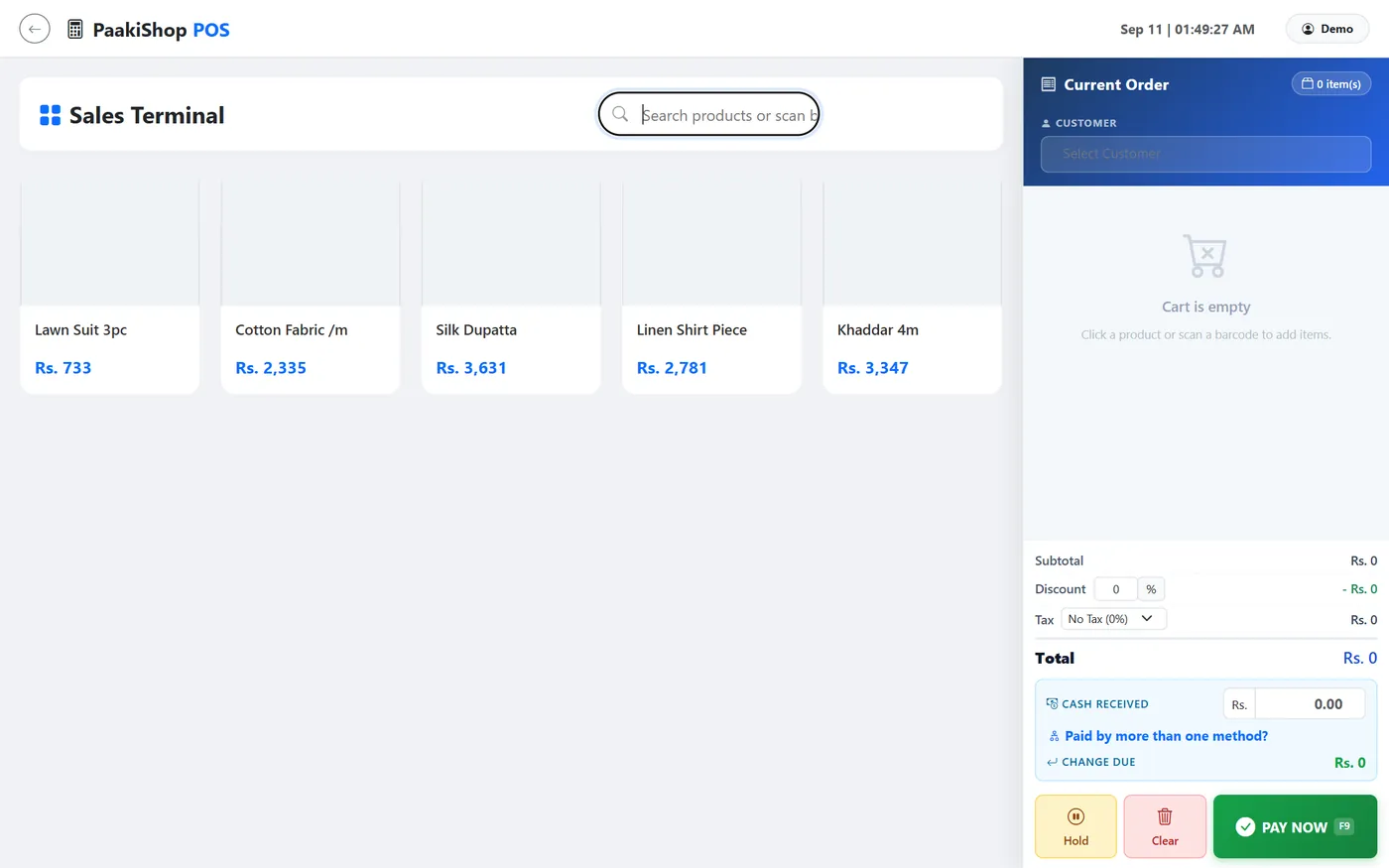
Counter billing plus recipes that deduct ingredients automatically.
Free Customization According to Your Need and Requirements
We do not charge for any customization. Whatever you want changed or added, we build it around the way you already work — and you only pay the monthly subscription. There is no customization fee, no setup fee, no per-feature price and no separate quote.
It applies to every kind of business: retail and wholesale, distribution and trading, manufacturing, and service businesses of every sort — anyone running sales, purchases, stock or accounts. Tell us your process and we shape the software to it: your invoice and receipt design, your stock and unit rules, your tax settings, your staff rights, and the exact reports you want open every morning. Need something that is not there yet? We build it, free, in English or Urdu, with local support on WhatsApp.

